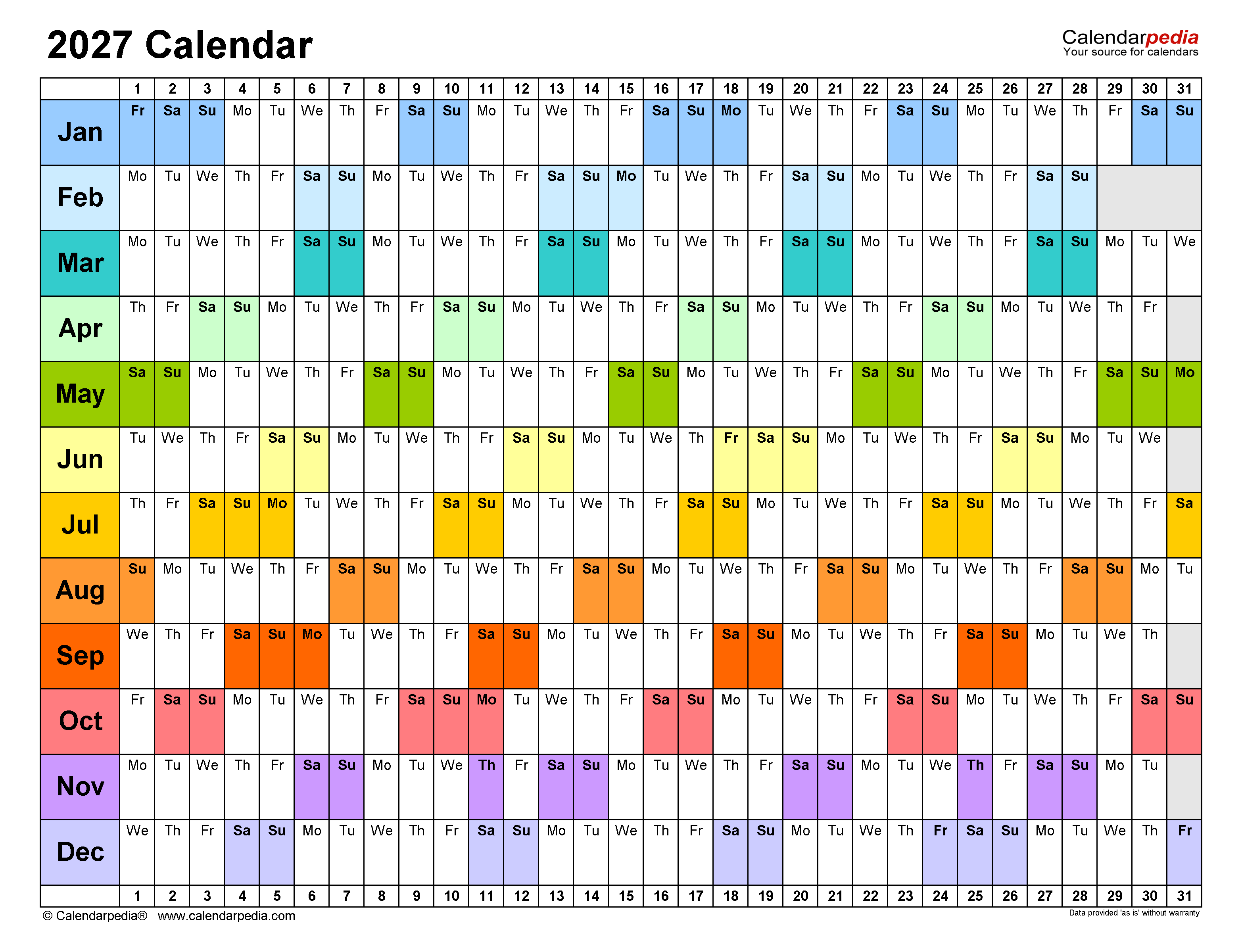
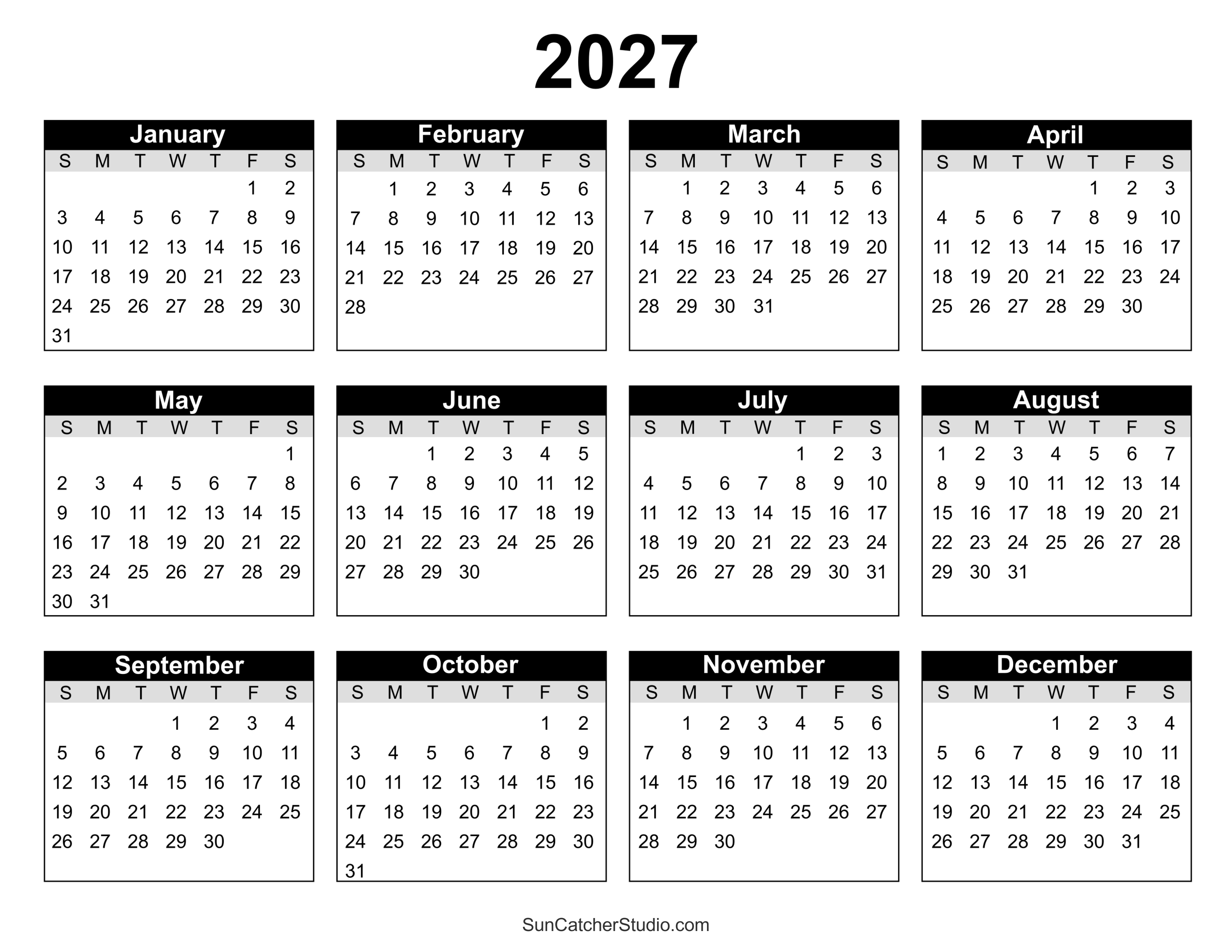
Planning your year ahead can be both exciting and overwhelming. Having a clear, organized calendar helps keep track of important dates, appointments, and goals without the stress of forgetting anything crucial.
Using a calendar template saves time and effort, especially when it’s customizable to fit your personal or professional needs. It’s a simple way to stay on top of your schedule while adding a touch of style to your planning.
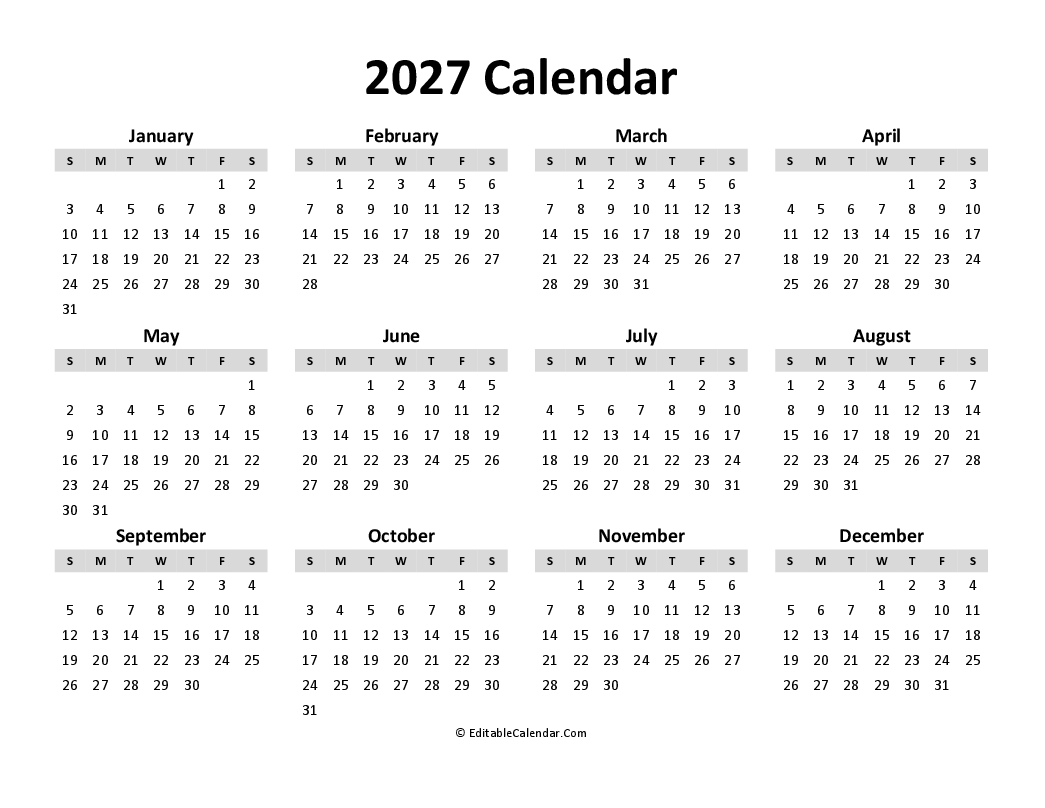
Why Choose a Word Document Calendar 2027 Template?
A Word Document Calendar 2027 Template is perfect for those who want flexibility and ease of use. You can easily edit dates, add notes, and personalize it without needing special software or design skills.
Since Microsoft Word is widely accessible, sharing your calendar with colleagues or family members becomes hassle-free. Plus, you can print it out or keep it digital depending on your preference.
Many templates come with built-in features like holidays, weekends highlighted, and space for reminders. This makes organizing your year more efficient and visually appealing.
Tips for Using Calendar Templates Effectively
Start by choosing a template that matches your style and needs—whether minimalist or colorful. This encourages regular use and makes planning enjoyable rather than a chore.
Customize important dates such as birthdays, deadlines, or vacations right away. This way, you won’t miss any key events throughout the year.
Consider adding weekly goals or motivational quotes in the notes section to keep yourself inspired. Small touches like these can boost productivity and positivity.
Finally, update your calendar regularly to reflect changes or new plans. Staying consistent ensures you always have an accurate overview of what’s ahead.
Using a Word Document Calendar 2027 Template is a smart way to stay organized and motivated all year long. With easy customization and accessibility, it’s a handy tool for managing your time effectively.