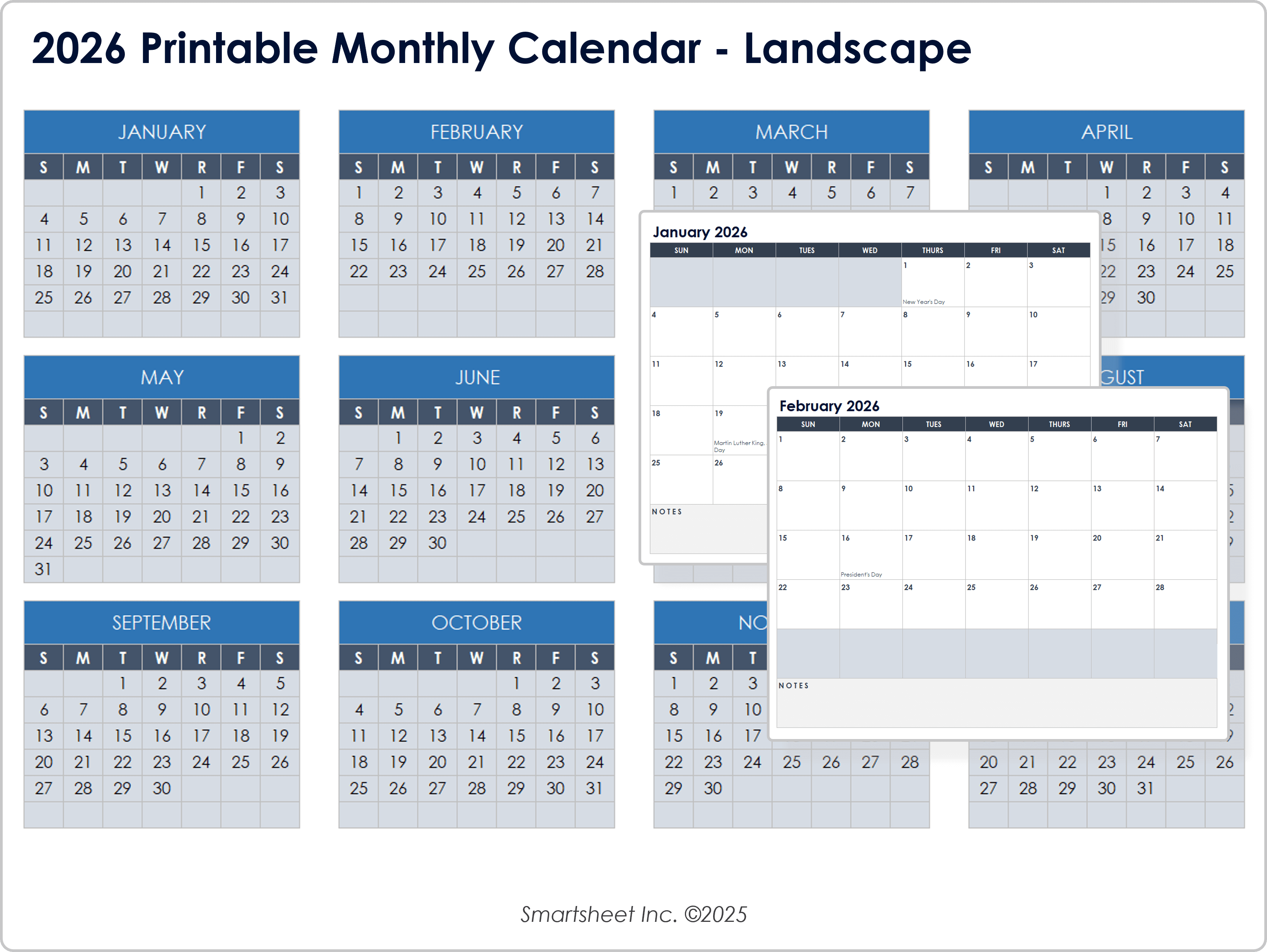
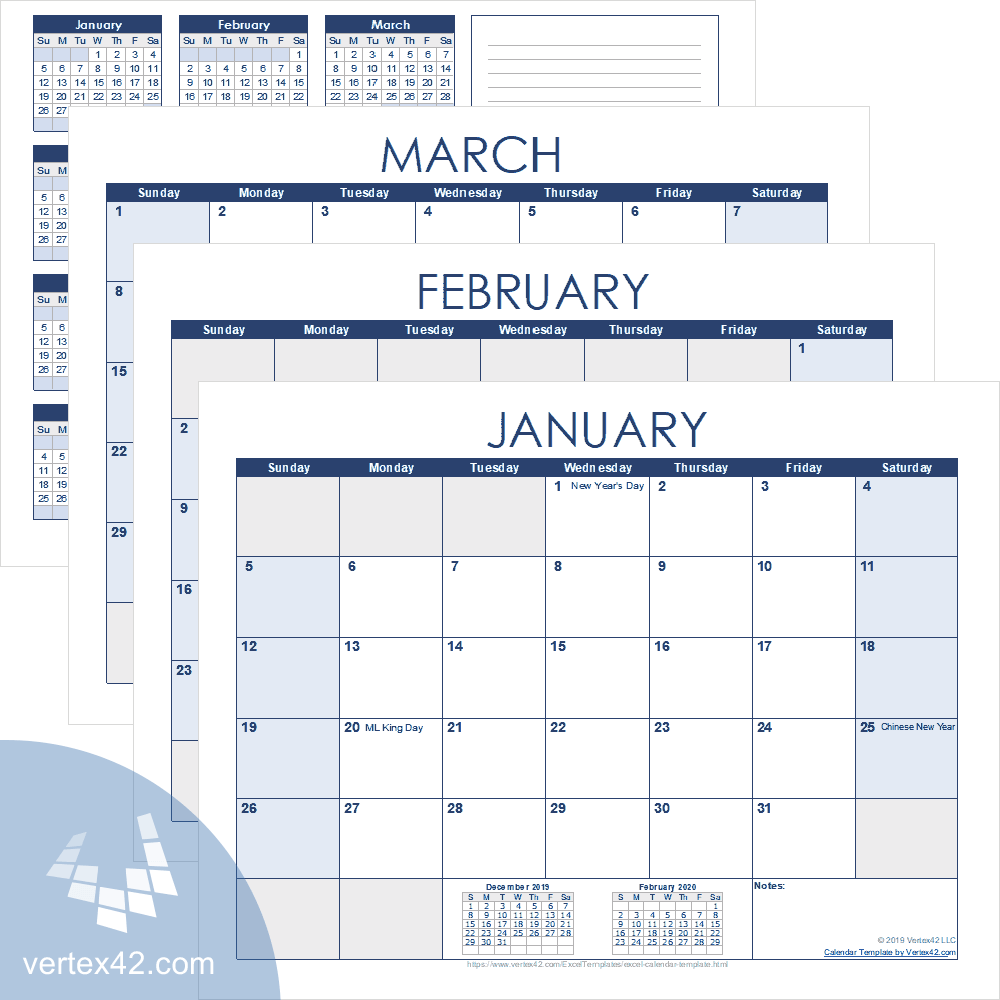
Keeping track of important dates and deadlines can be challenging without the right tools. Calendars help organize your schedule, making it easier to plan ahead and stay on top of tasks. Whether for work or personal use, a good calendar is essential.
Excel is a versatile program that many people use daily. It offers a simple way to create and customize calendars, allowing you to tailor them to your specific needs. With just a few clicks, you can have a functional and attractive calendar ready to go.
Templates For Calendars In Excel
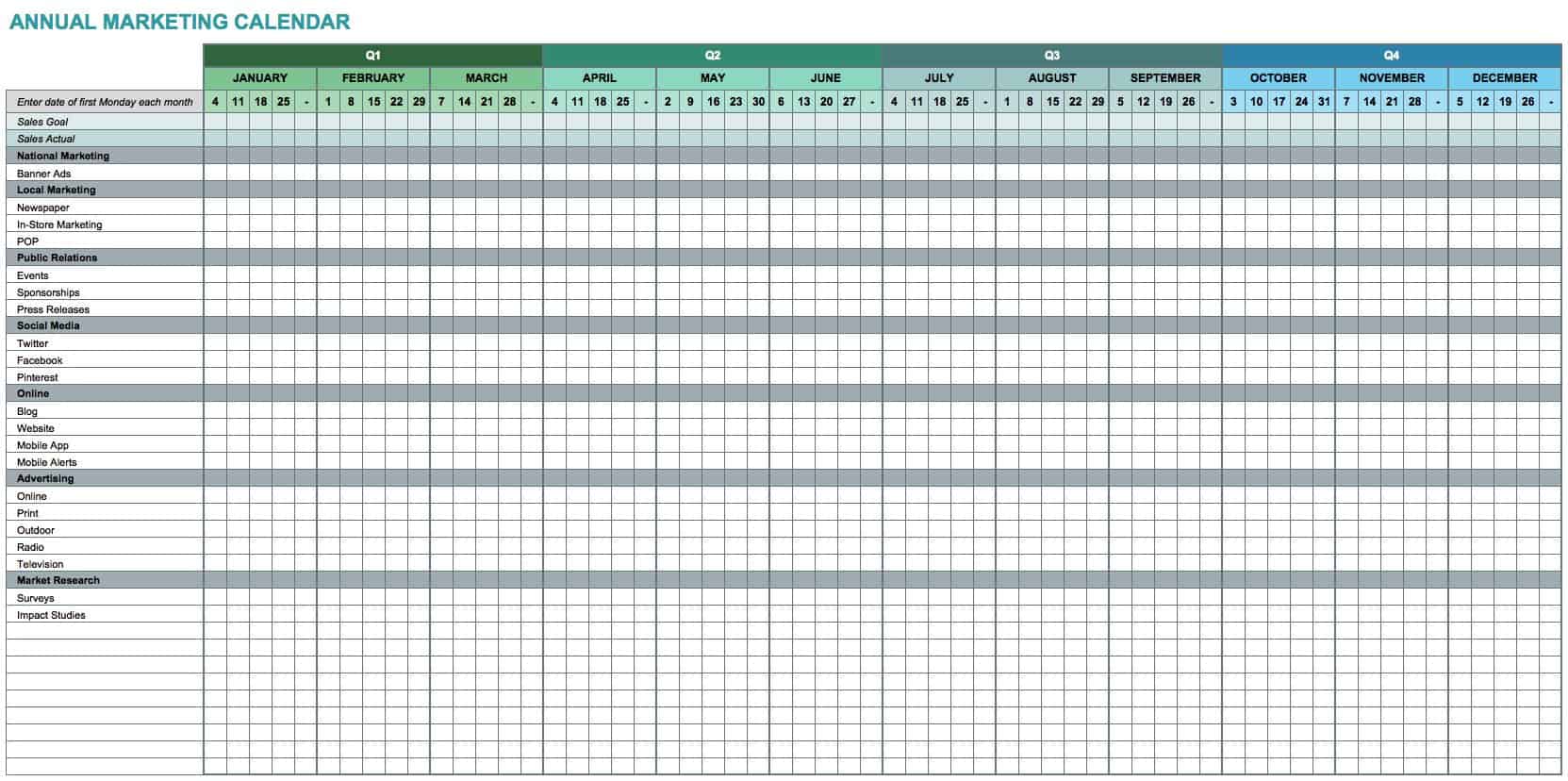
Excel provides a variety of templates for calendars that save time and effort. These templates come pre-designed with monthly or yearly layouts, so you don’t have to start from scratch. You can easily modify colors, fonts, and formats to suit your style.
Using templates for calendars in Excel is perfect for those who want quick results without sacrificing customization. They are especially helpful for tracking appointments, deadlines, or even meal plans. Plus, they’re easy to print or share digitally with others.
Many websites offer free downloadable Excel calendar templates. These range from simple designs to more complex ones with built-in formulas for automatic date updates. Choosing the right template depends on your preferences and how detailed you want your calendar to be.
How to Customize Your Excel Calendar
Once you select a calendar template, personalization is key. You can add holidays, birthdays, or special events by typing directly into the cells. Conditional formatting helps highlight important dates with colors or icons for better visibility.
Adjusting the layout is also straightforward. Resize columns and rows to fit your content or change the orientation from portrait to landscape for printing purposes. Adding notes or reminders in adjacent cells keeps everything organized in one place.
Excel’s flexibility allows you to insert charts or graphs alongside your calendar if you want to track progress or goals visually. This feature makes it more than just a date tracker—it becomes a productivity tool tailored just for you.
Creating and customizing calendars in Excel is an easy way to stay organized and efficient. With plenty of templates available and simple editing options, anyone can design a calendar that fits their lifestyle perfectly. Give it a try and enjoy better planning every day.