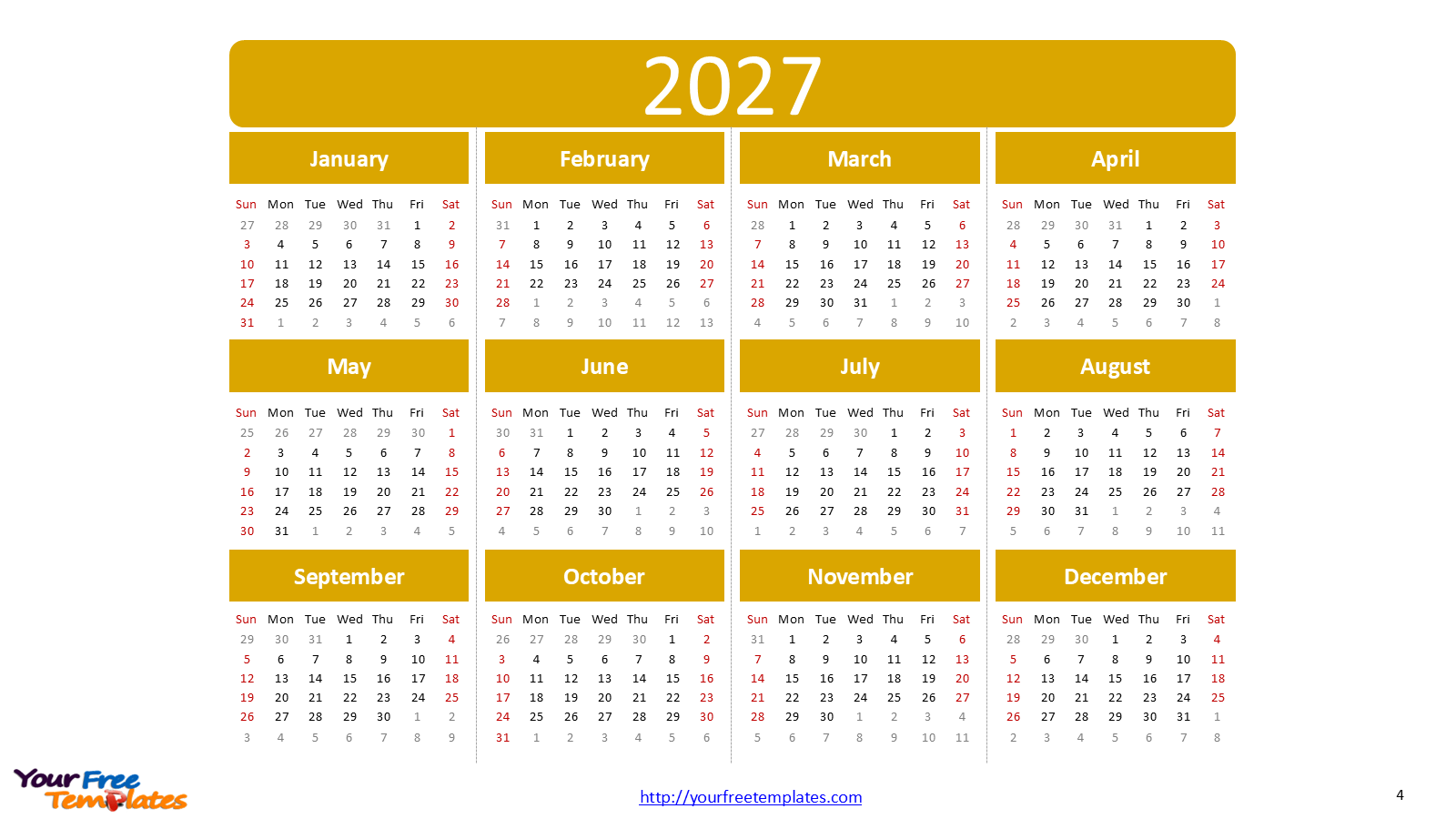
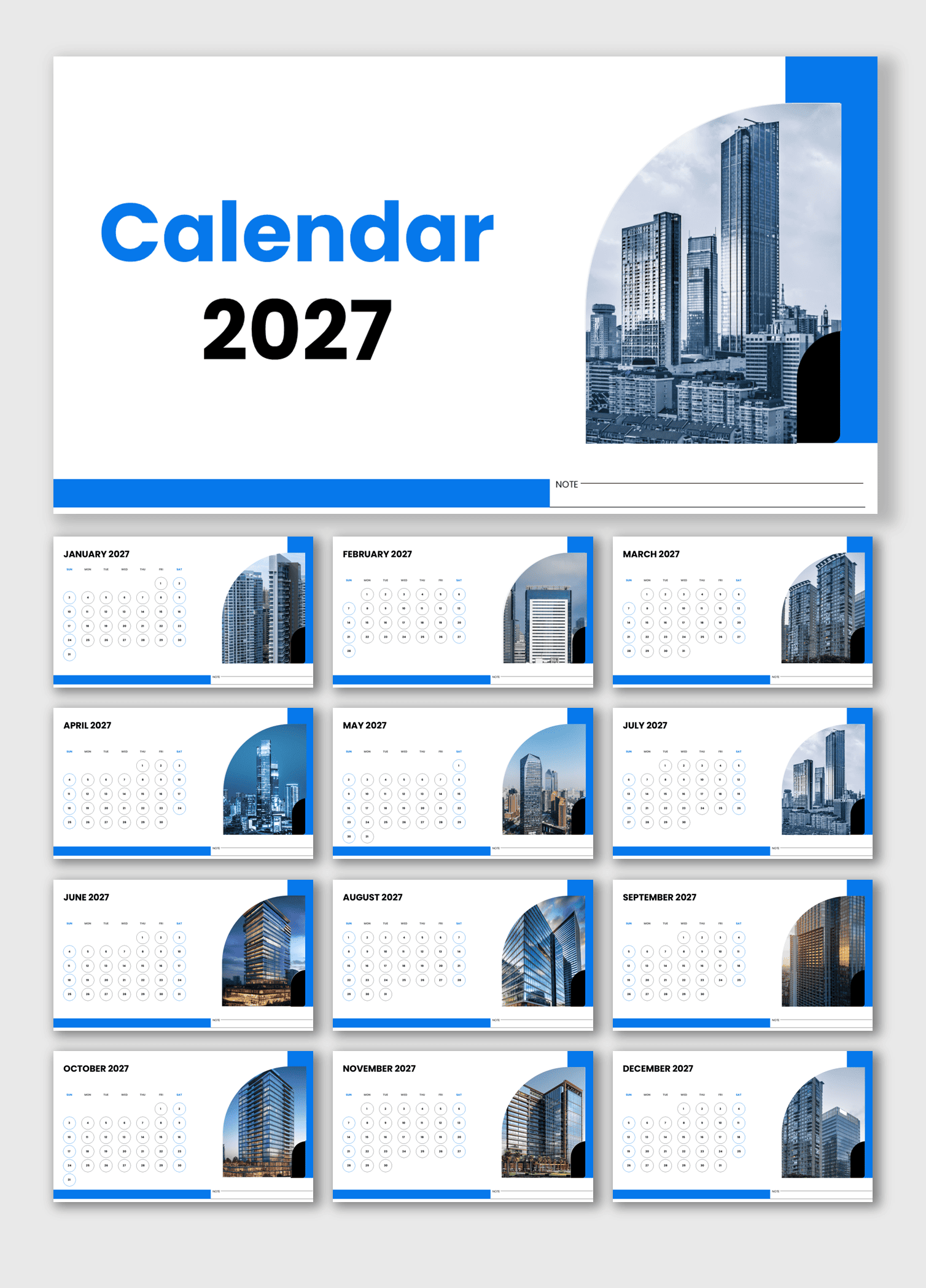
Creating a personalized calendar can be a fun and practical project. It helps keep your schedule organized while adding a personal touch to your workspace or home. Plus, designing your own calendar allows you to highlight important dates and events.
PowerPoint is a surprisingly versatile tool for making calendars. Its user-friendly interface and customizable features make it easy to design a calendar that fits your style and needs perfectly. Let’s explore how you can create a 2027 calendar in PowerPoint step-by-step.
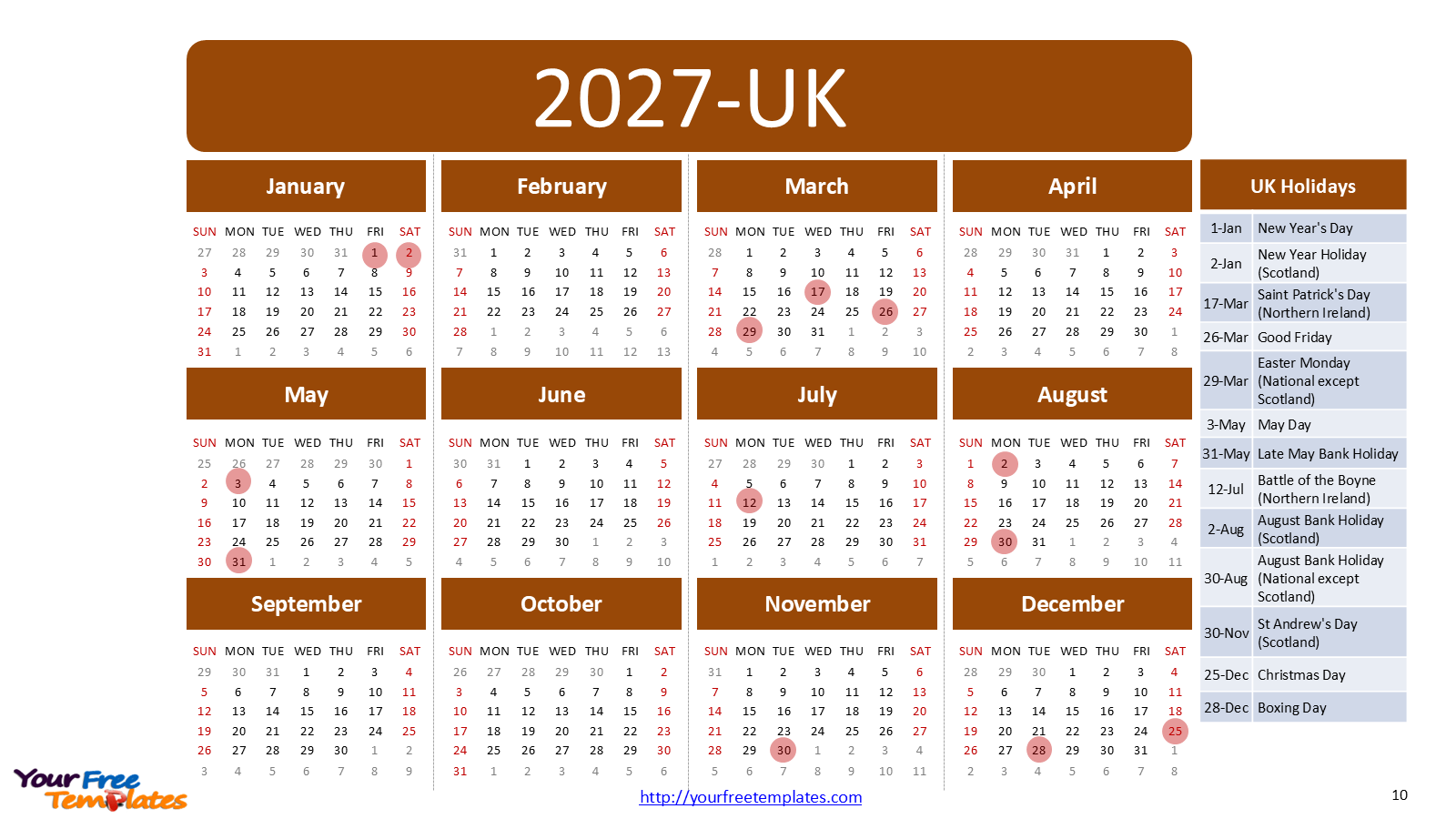
How To Create 2027 Calendar In Powerpoint
Start by opening PowerPoint and selecting a blank slide. Set the slide size to your preferred calendar dimensions under the “Design” tab. This gives you a clean canvas to work with for your 2027 calendar layout.
Next, insert a table to represent the days of the month. A 7-column table works best since it matches the days of the week. Adjust the number of rows depending on how many weeks you want to display for each month.
Customize the table by adding month names and dates. Use text boxes for headers like “January 2027” and format them with your favorite fonts and colors. This makes each month stand out clearly on your calendar.
Finally, add any special events or holidays by typing them into the corresponding date cells. You can also insert images or icons to make your calendar more visually appealing and unique.
Tips For Designing A Functional And Attractive Calendar
Keep your design simple and easy to read by choosing clear fonts and contrasting colors. Avoid cluttering the calendar with too much information, which can make it overwhelming at a glance.
Use consistent spacing and alignment throughout your calendar. This helps maintain a clean look and makes it easier to follow dates and events without confusion.
Consider adding extra slides for notes or monthly goals. This feature can turn your calendar into a handy planner that supports productivity beyond just tracking dates.
Don’t forget to save your PowerPoint file regularly as you work. Exporting it as a PDF is also helpful if you want to print or share your 2027 calendar digitally with friends or colleagues.
Designing a 2027 calendar in PowerPoint is both simple and rewarding. With these tips, you can create a personalized tool that keeps you organized all year long while reflecting your unique style.